
Download WO Mic – Wireless Mic for PC, Android to PC Microphone, Voice Chat, Recording Tool
Overview
WO Mic is a desktop utility designed to transform an Android smartphone into a functional microphone for a computer. This software addresses the need for accessible and cost-effective audio input solutions, particularly for users who require high-quality voice capture without investing in dedicated microphone hardware. It serves a variety of users, including content creators, podcasters, remote workers, and gamers who rely on voice communication. The application enables seamless integration between mobile and desktop environments, allowing users to leverage their smartphone’s built-in microphone as a wireless or wired audio source for their PC.
By supporting multiple transport methods—including USB, Bluetooth, Wi-Fi, and Wi-Fi Direct—WO Mic offers flexibility in setup and usage. It is especially beneficial for individuals in low-budget or on-the-go scenarios where traditional microphones are impractical or unavailable. Real-world applications include voice chatting, live streaming, voice recognition tasks, and audio recording. The developer did not provide additional background information, and platform compatibility details are limited to Windows-based systems. Exact performance details were not specified.
Key Features & Capabilities
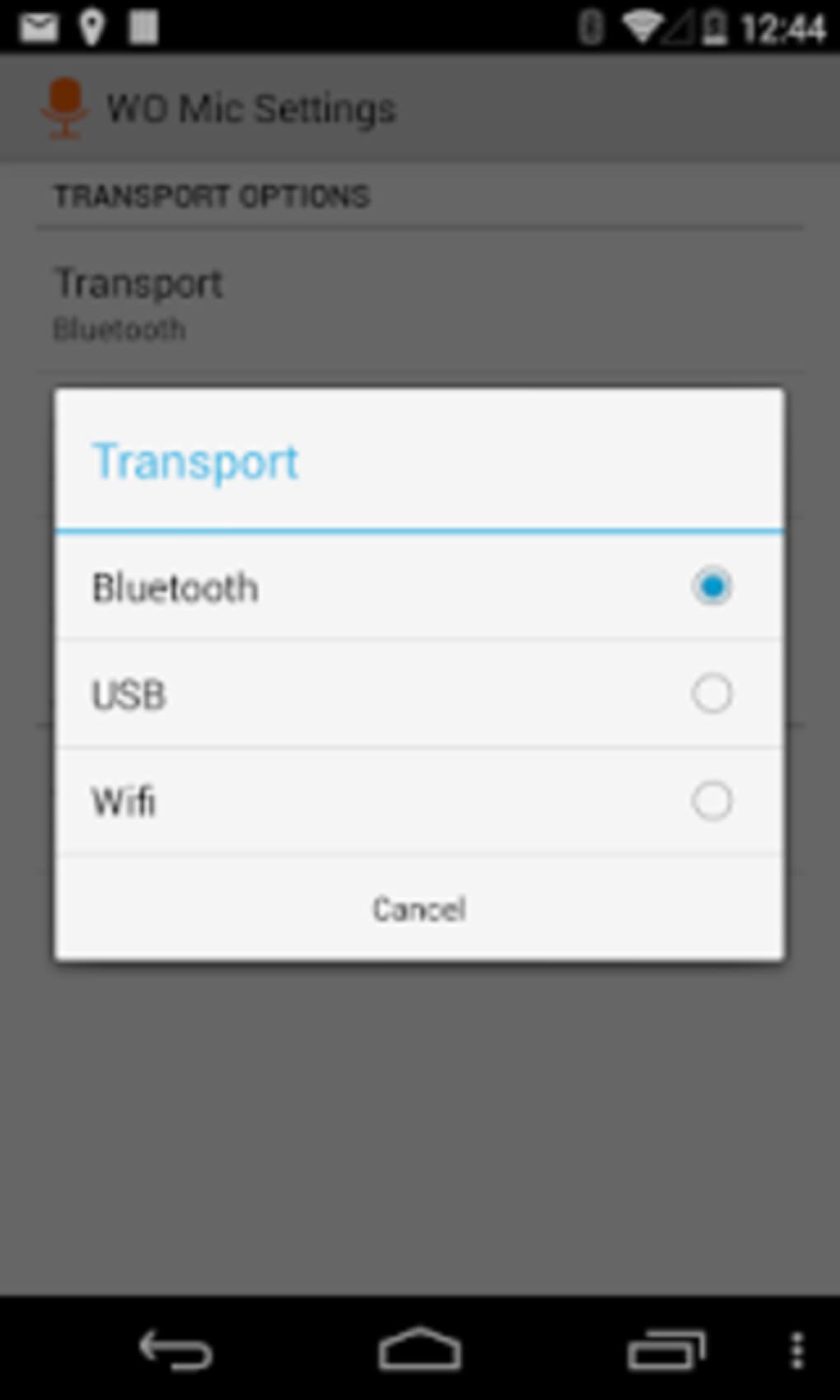
- Multi-Transport Connectivity – Supports USB, Bluetooth, Wi-Fi, and Wi-Fi Direct for connecting Android devices to a PC, offering users choice based on convenience and performance needs.
- Low Latency Audio Transmission – Designed to deliver near-real-time audio streaming, making it suitable for live voice applications such as gaming, voice chats, and real-time recording.
- Mobile Device as Microphone – Utilizes the smartphone’s built-in microphone as an external audio input source, effectively turning any compatible Android device into a functional mic.
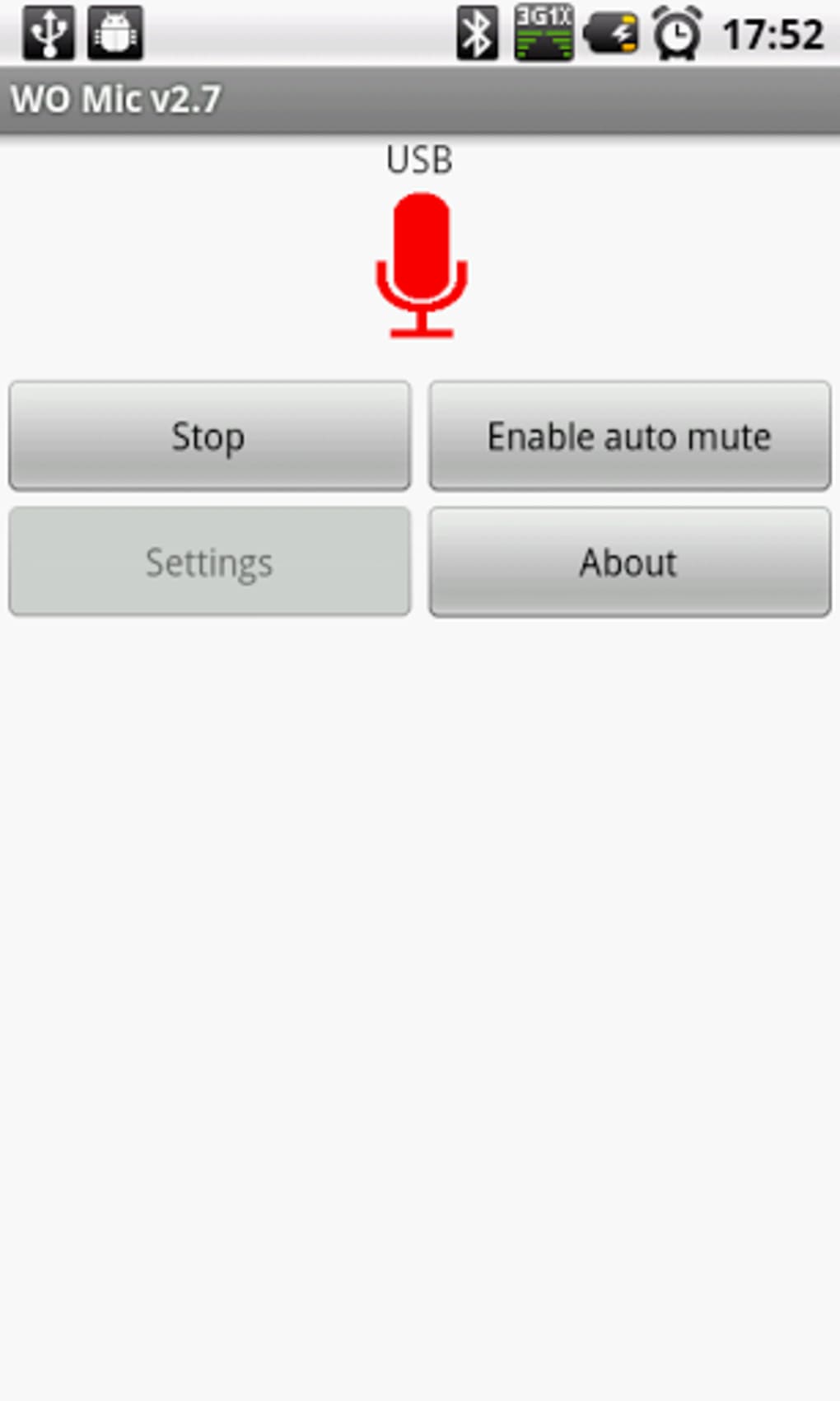
- Simple Connection Workflow – Features an intuitive interface where users can select transport type, initiate connection, and start audio transmission with minimal setup steps.
- Free Download with In-App Purchases – Available at no cost, though some advanced features or content may require in-app purchases, which could affect long-term usability.
For example, a podcaster traveling without a dedicated mic can use their smartphone and WO Mic to record high-quality audio via USB, minimizing latency and ensuring clarity. A remote worker conducting video calls may use Bluetooth for convenience, while a streamer might opt for Wi-Fi Direct for mobility. The software’s ability to adapt to different transport types enhances its utility across diverse use cases. However, audio quality may vary depending on the connection method and environmental factors such as interference or signal strength.
User Interface, Workflow & Performance
The user interface of WO Mic appears to be straightforward, with a focus on core functionality: selecting connection type and initiating the link between the PC and Android device. Navigation is likely centered around a main dashboard with labeled tabs such as “Connection” and “Settings,” allowing users to manage their audio source efficiently. The workflow is designed to be user-friendly, requiring minimal technical knowledge to operate, which benefits casual users and non-technical audiences.
Based on general software behavior patterns, the application likely maintains stable operation during active audio transmission, though specific details on CPU or RAM usage were not provided. Performance observations are based on general software behavior patterns. Users may experience smoother operation with wired connections like USB, which typically offer more consistent data transfer rates and lower latency compared to wireless alternatives. Wireless methods such as Bluetooth and Wi-Fi may be subject to signal fluctuations, which could affect audio continuity. The developer did not specify resource usage details, so users should monitor system performance during extended use.
Compatibility & System Requirements
WO Mic is designed to run on Windows operating systems, though the exact version is not specified. The software is compatible with Android devices, but specific device requirements were not listed. Installation size information is not available, and the developer did not provide additional system requirements. Compatibility information was partially provided.
Users should ensure their Android device supports the required connection protocols—USB, Bluetooth, Wi-Fi, or Wi-Fi Direct—depending on the chosen transport method. For USB connections, a standard USB cable and compatible ports on both devices are necessary. Wireless connections require both devices to be on the same network or within range. The exact hardware requirements were not listed, so users may need to test compatibility through trial use.
Pros and Cons
Pros
- Turns any Android smartphone into a functional PC microphone
- Supports multiple connection types including USB, Bluetooth, Wi-Fi, and Wi-Fi Direct
- Low latency audio transmission suitable for real-time applications
- Free to download with optional in-app purchases
- Simple setup and intuitive interface for non-technical users
Cons
- Audio quality may vary based on transport type and environment
- Does not support audio effects or processing within the application
- Limited system requirements and compatibility details provided
- Some features may require in-app purchases
- Wireless connections may be affected by interference or distance
FAQ Section
Is WO Mic compatible with Mac computers?
Compatibility information is limited to Windows. The developer did not specify support for macOS systems.
Can I use WO Mic without an internet connection?
Yes, certain transport methods like USB and Bluetooth do not require an internet connection. Wi-Fi and Wi-Fi Direct may require local network access but do not need internet connectivity.
Is WO Mic safe to download and use?
WO Mic is available for free download. As with any third-party software, users should ensure they download from official sources to minimize security risks.
Does WO Mic support audio effects or filters?
No, the software does not include built-in audio effects or processing features. Users must apply enhancements through external applications.
How often does WO Mic receive updates?
Update frequency was not specified. Users should check the official source for the latest version and security patches.
Final Thoughts + CTA
WO Mic presents a practical and affordable solution for users seeking a flexible microphone alternative without the cost of dedicated hardware. Its ability to leverage an Android device’s microphone across multiple transport types—especially USB for optimal performance—makes it a compelling choice for casual creators, remote professionals, and gamers. While it lacks advanced audio processing and has variable audio quality depending on connection type, its core functionality is well-executed and accessible.
For those in need of a quick, low-cost audio input method, WO Mic delivers solid value. It is particularly suited for temporary setups, travel use, or budget-conscious users. Although it doesn’t replace professional-grade microphones, it serves as a capable stopgap. The inclusion of in-app purchases may affect long-term usability, so users should assess their needs accordingly.
Download WO Mic now






.png)
